
Top tip · Updated 10 Nov 2026
How to use the FOB
The Forward Operating Base is your home between runs. Pick an Operator, take gear from your Stash, check your DMZ Orders, then deploy.
Screenshots


Walkthrough
Pick an Operator
Go to the Operators station and pick an Active Duty Operator. You start with two Active Duty slots. The Vault Edition starts you with three.
Take gear from your Stash
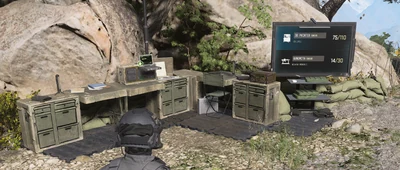
Open the Stash and Loadout station and take the weapons and gear you want to deploy with. Everything in the Stash is shared by all of your Operators.
Check your DMZ Orders
Open DMZ Orders and read the first Orders before you deploy. Orders are the mission list that teaches the mode.
Open Survival Kits
Open Survival Kits at the Survival Kits station. Kits are handed out for DMZ levels, DMZ Orders, missions, and events, and they go into your Stash.
Deploy into Hajin
Go to the Deploy station, choose a deployment, and continue to Ready Up. Check Squad Fill and weapon insurance there before you deploy.
Verified facts
- These stations are open from the start: Operators, DMZ Orders, Stash/Loadout, Firing Range, Survival Kits, and Deploy.
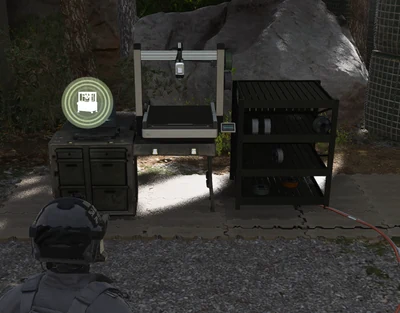
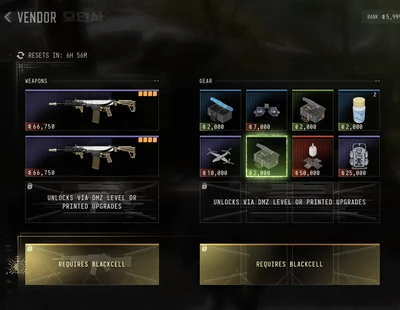
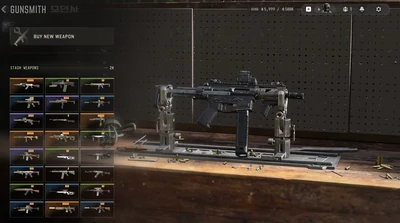
- The 3D Printer unlocks at DMZ level 2, the Vendor at level 5, and the Gunsmith at level 10.
Screenshots
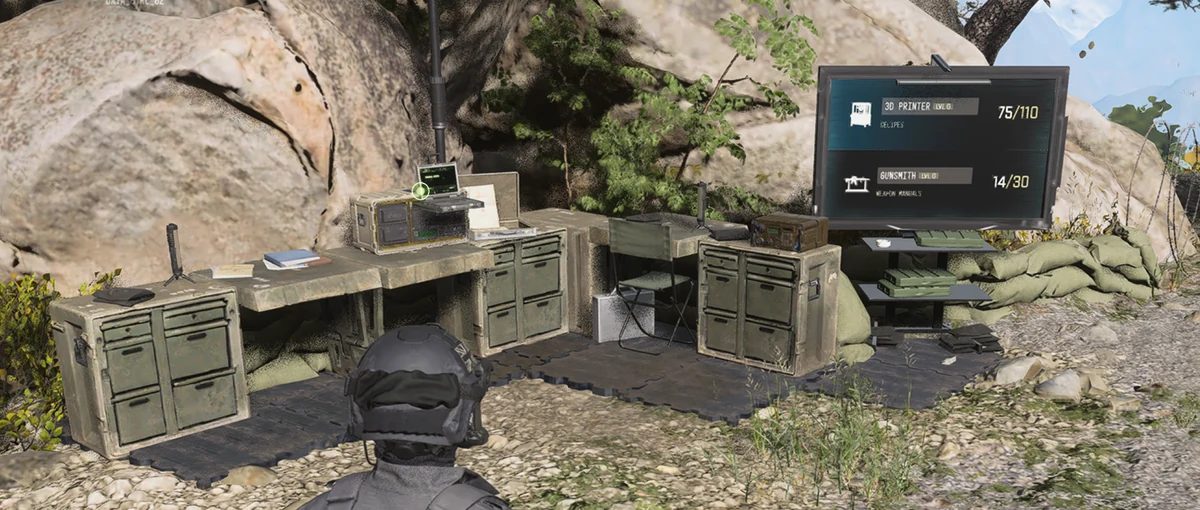
Operators station in the FOB. 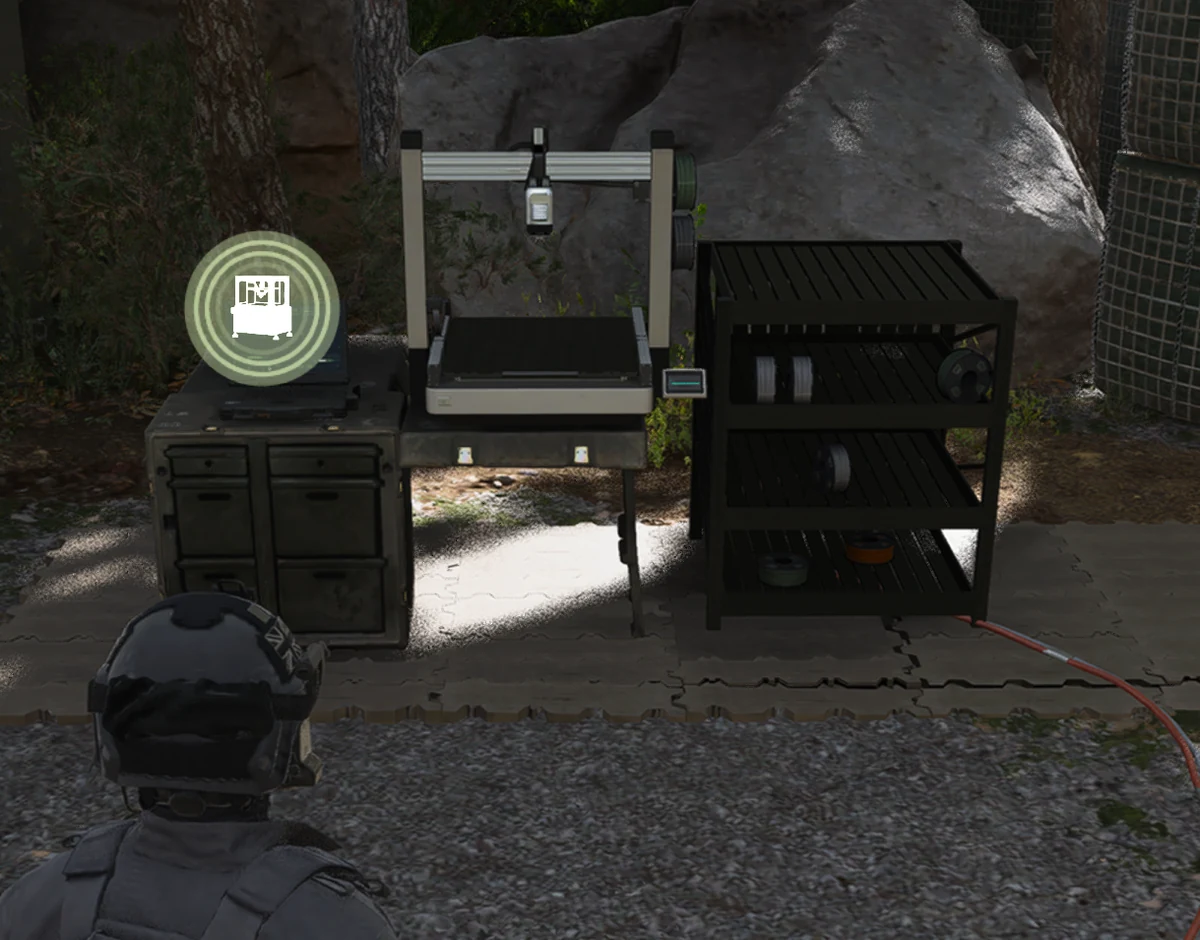
Stash and Loadout station. 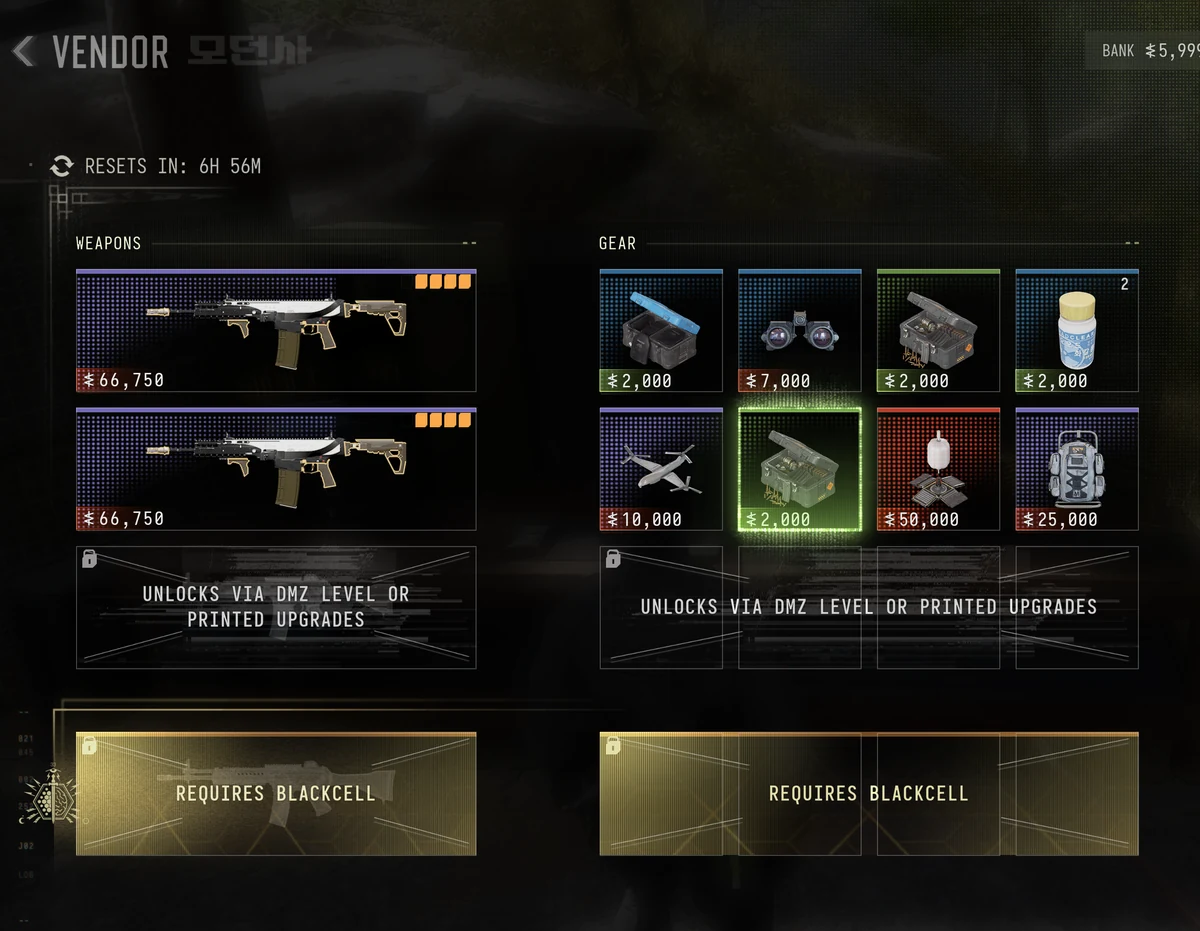
DMZ Orders in the FOB. 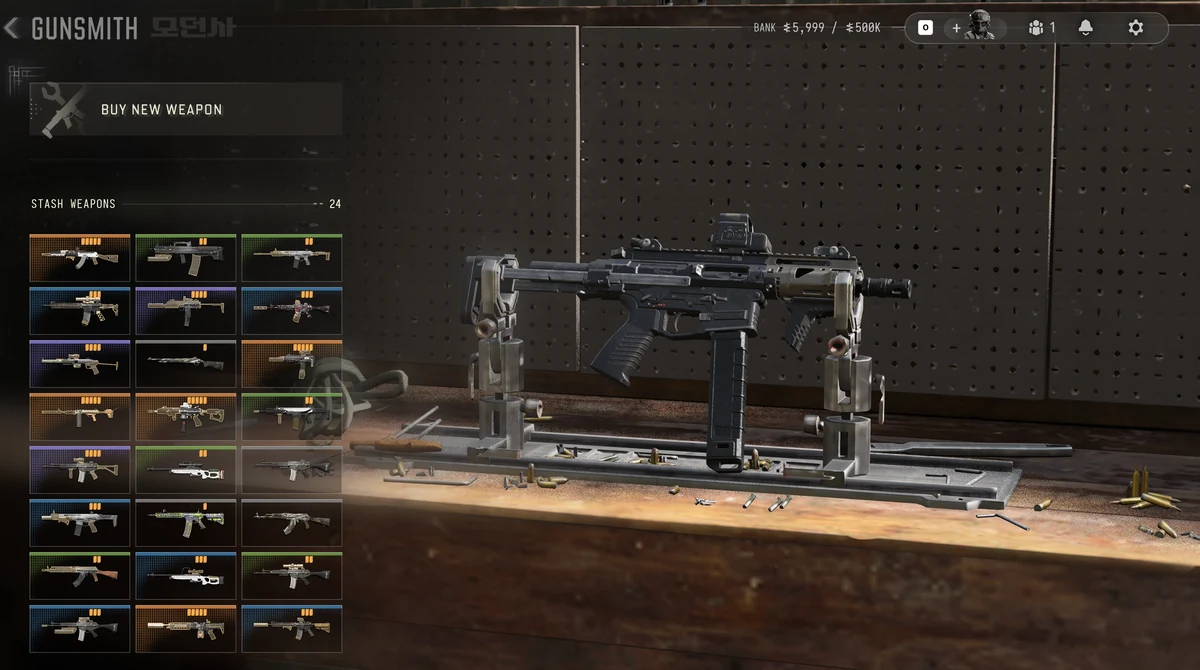
Survival Kits station. 
Screenshot slot: Deploy station.
Linked Orders, areas, and items
Orders
Top Tips
Sources
- DMZ Map — Beginner's guide — These stations are open from the start: Operators, DMZ Orders, Stash/Loadout, Firing Range, Survival Kits, and Deploy.
- COD Central — What Is MW4 DMZ? — These stations are open from the start: Operators, DMZ Orders, Stash/Loadout, Firing Range, Survival Kits, and Deploy.
- DMZ Codex — Day 1 checklist — The 3D Printer unlocks at DMZ level 2, the Vendor at level 5, and the Gunsmith at level 10.
Frequently asked questions
What is the FOB in MW4 DMZ?
The Forward Operating Base is your home between runs. You store loot in your Stash, pick an Operator, check DMZ Orders, open Survival Kits, and deploy from there.
When do the 3D Printer, Vendor, and Gunsmith unlock?
The 3D Printer unlocks at DMZ level 2, the Vendor at level 5, and the Gunsmith at level 10.
What should I do before my first deployment?
Pick an Operator, take gear from your Stash or take the Free Loadout, read the first DMZ Orders, then deploy.