
Order · X01 · Updated 17 Nov 2026
Crafting Material
Open the X01 3D Printer menu and use a Keycard Encoder Station. You print and encode nothing.
All Intel0

- Incoming... Please check back later.
Rewards

Objectives
- Visit the 3D Printer in X01.
- Visit any Keycard Encoder Station in X01.
On the Orders board
- Visit the 3D Printer in X01.
- Visit any Keycard Encoder Station in X01.
Screenshots
Walkthrough
1Mission IntelGo to the X01 3D Printer
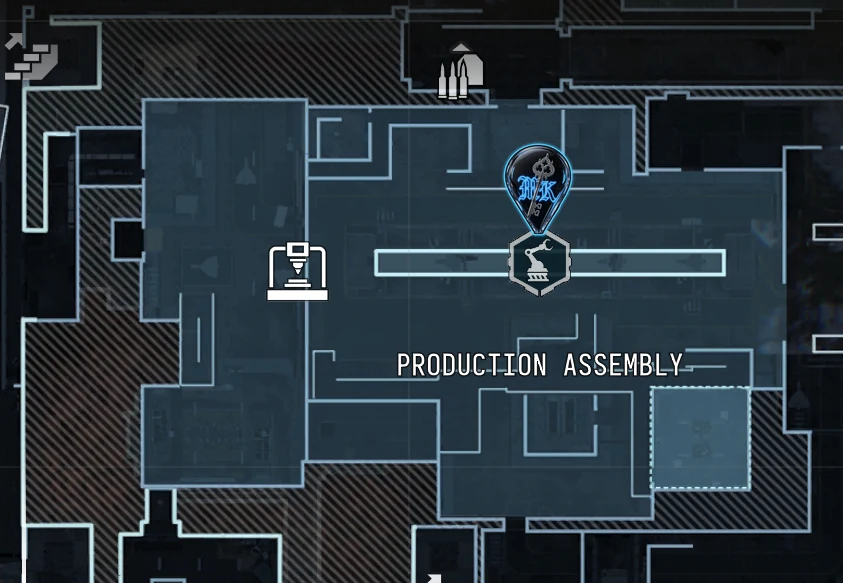
Go to the upstairs office on the west side of the Production Assembly, square E5.
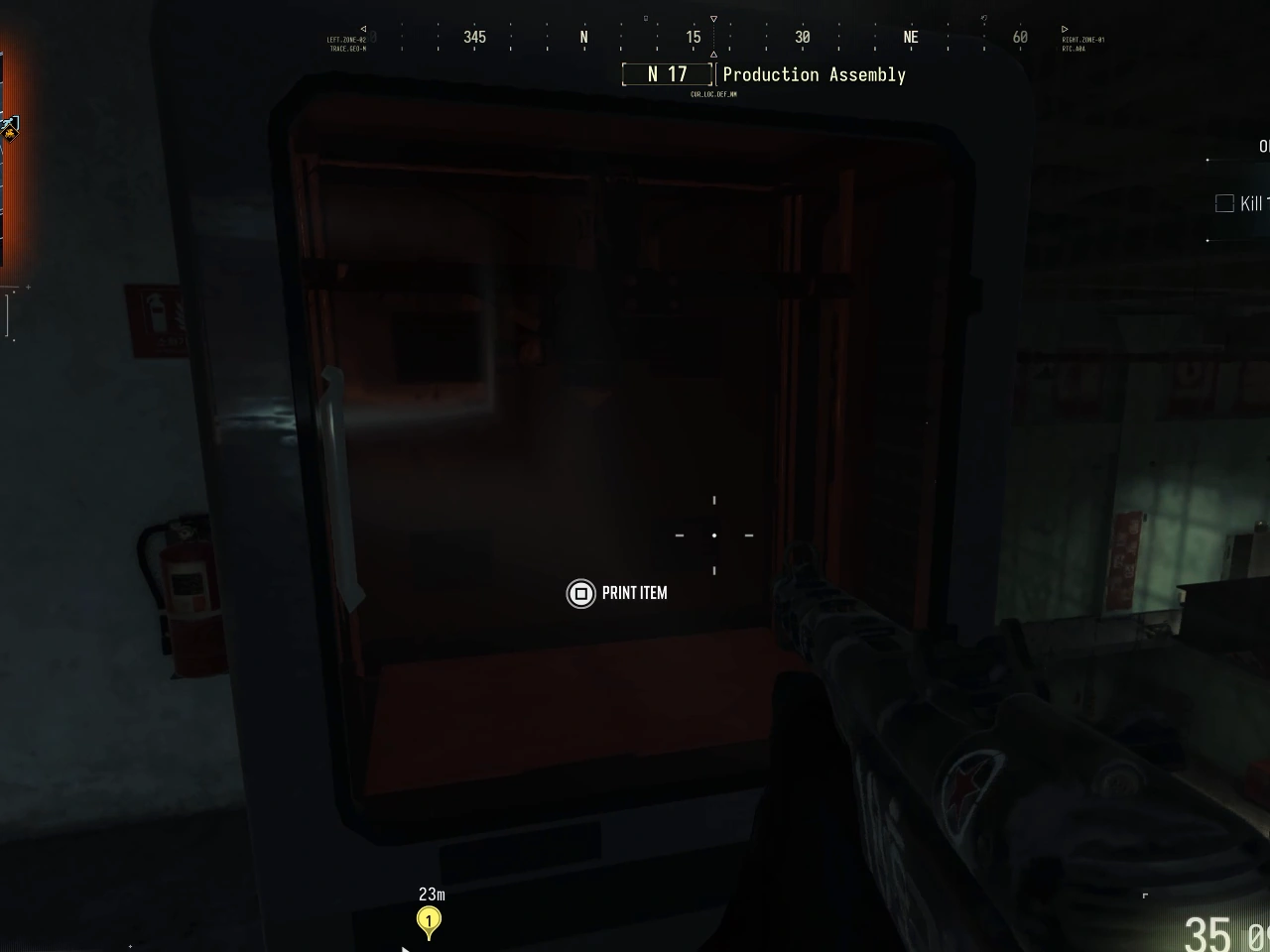
crafting-material step 01 frame 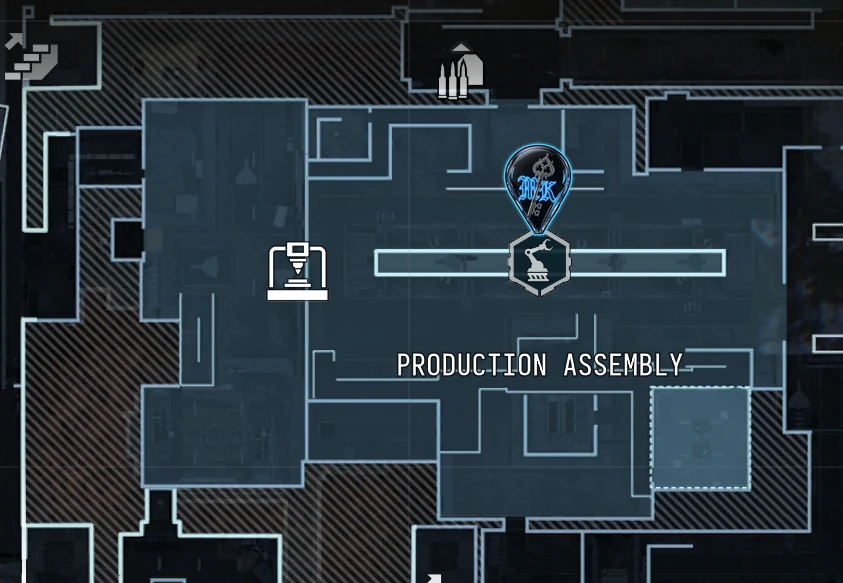
Head to the Production Assembly (pinned) to start this step. 2Mission IntelOpen the printer menu
Open the Print Item menu, then back out. You print nothing.
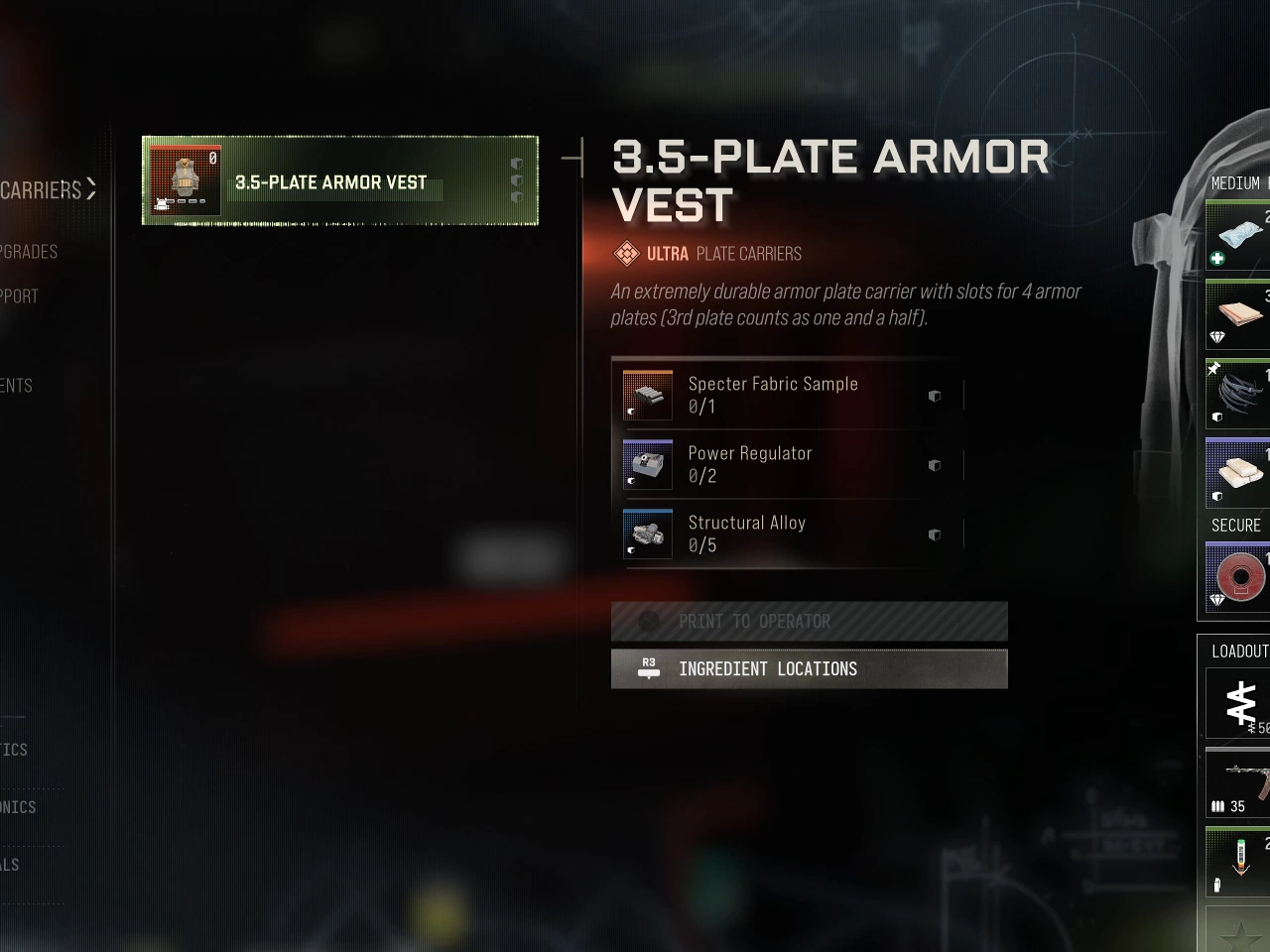
crafting-material step 02 frame 3Mission IntelGo to an Encoder Station
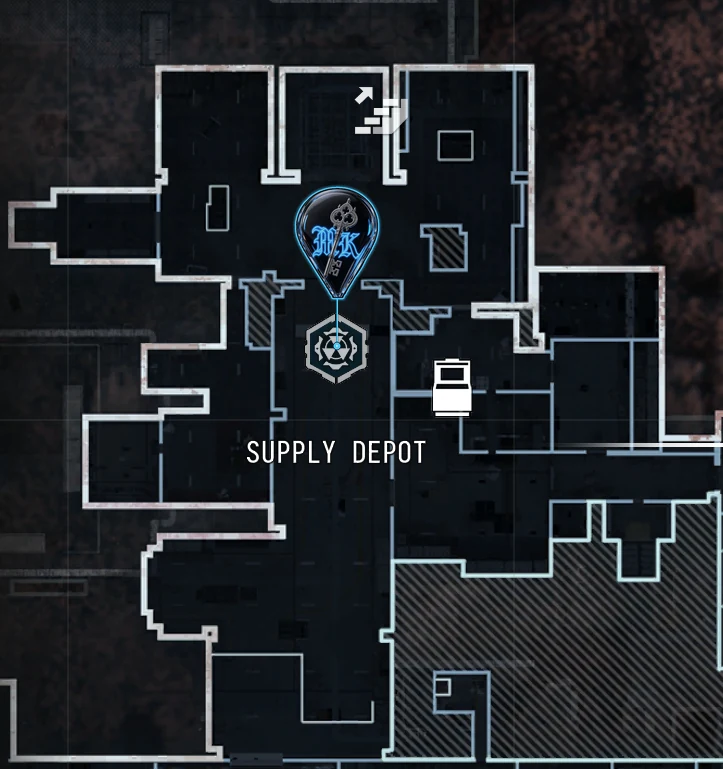
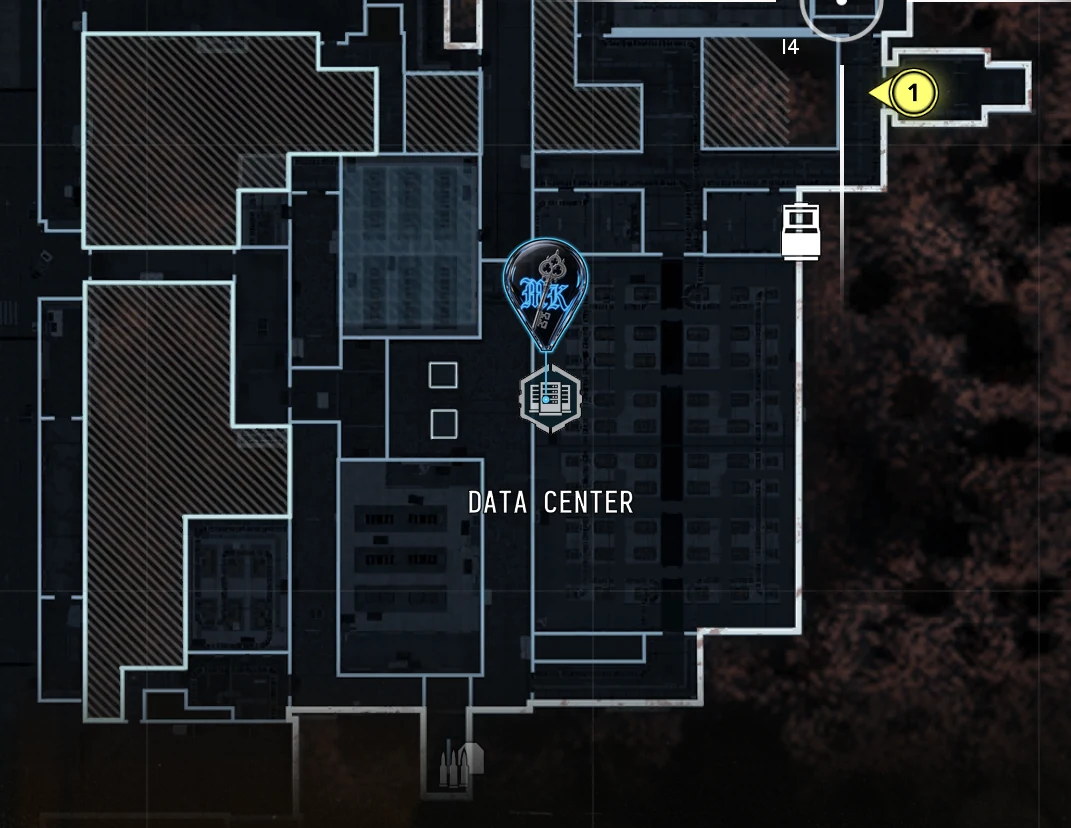
Go to the Keycard Encoder Station in a small room on the east side of the Supply Depot (F2), or the one on the east edge of the Data Center (I5).
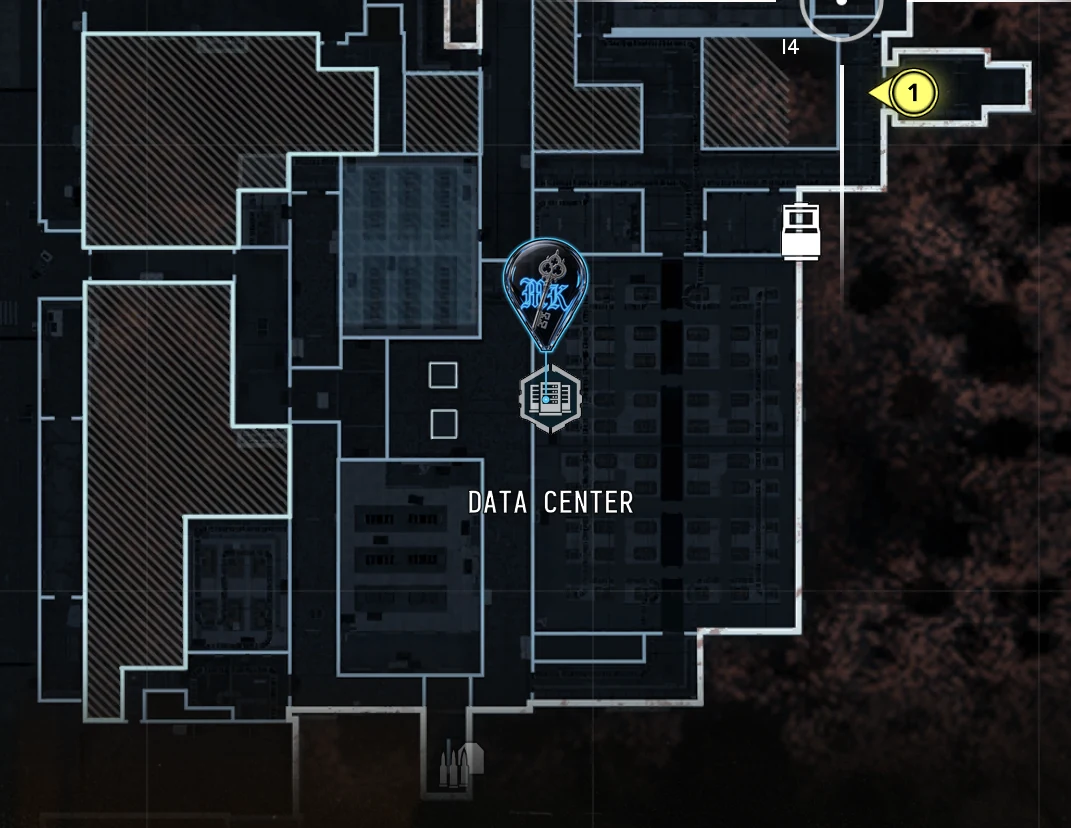
Head to the Data Center (pinned) to start this step. 4Mission IntelUse Encode Keycard
Interact with Encode Keycard. You need no keycard for the Order.
Area intel
- 3D Printer
- Production Assembly, E5, upstairs office
- Encoders
- Supply Depot F2; Data Center I5
- Order page
- X01 2/5
- Page rewards
- Consumable Box recipe, Medical Box recipe, $20,000

Linked Orders, areas, and items
Areas
Keys and items
Guide notes
1Go to the X01 3D Printer
Small office up on the mezzanine, west side of the Production Assembly (E5). Take the stairs up.
Floor labels E5 · Production Assembly · Data Center floor
2Open Print Item and back out
Open the Print Item menu. You do not have to print anything. The X01 printer has recipes the FOB printer does not.
3Go to a Keycard Encoder
Supply Depot: a tall grey kiosk in the small room on its east side (F2). Data Center: one on its east edge (I5).
Floor labels F2 · Supply Depot · Data Center floorEncoder at I5 · Data Center · Data Center floor
4Use Encode Keycard
Interact with Encode Keycard to tick the visit. You do not need or spend a card for the Order.
Players reporting
Based on about 3 reports; paraphrased, no names.
Players were confused about where the Encoder is (one called it maddening on day one) and why their Encoder offered only Audit or Engineering. The answer is that menus are tied to the station. Easy Order otherwise.
Secrets
- The locked room near the X01 3D Printer is the Maintenance Room: encode Maintenance Access at the Supply Depot kiosk to open it.
Tips
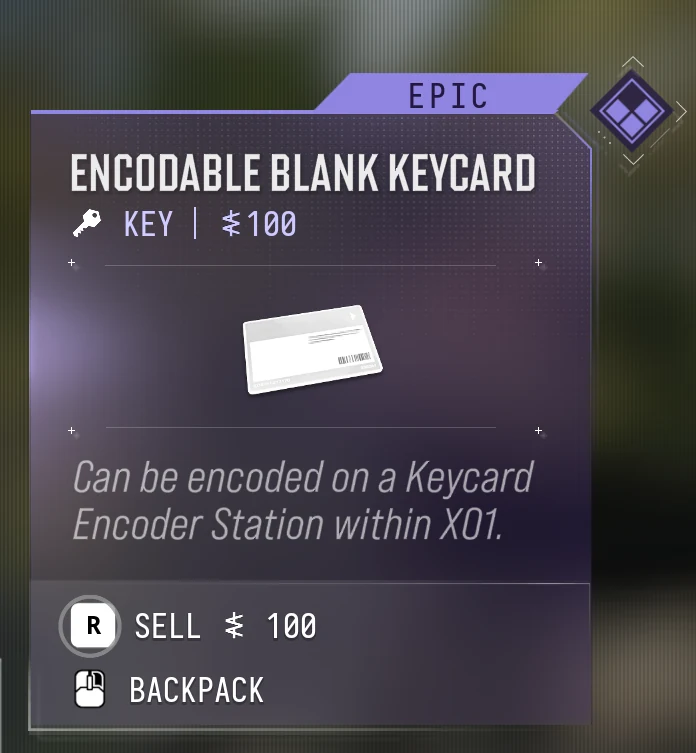
- Save the two Encodable Blank Keycards from page 1 for the Executive Room / Deep Vault 406 route.
Suggestions
- Players want the Encoder to list which station makes which card.
Comments
- Neutral.
Questions
Menus differ?
Each Encoder offers different cards. Supply Depot: Maintenance Access or Executive Access. Data Center: Engineering Access or Audit Officer Access. Use the Supply Depot one if you want the Executive Room (where Deep Vault 406 is found).
Frequently asked questions
Do you have to craft something for Crafting Material?
No. Open the Print Item menu and use Encode Keycard. Nothing is printed or encoded.
Where is the X01 3D Printer?
In the upstairs office on the west side of the Production Assembly, square E5.
What does X01 Orders page 2 pay?
Consumable Box recipe, Medical Box recipe, $20,000.
