Mission Key's GTA VI guide is unofficial and is not affiliated with or endorsed by Rockstar Games or Take-Two Interactive.

GTA VI · Story Missions

Updated: Nov 23, 2026

Setup Bank Account

Plot spoilers: Minor

Lucia needs a bank account to get her community service payments, so you meet her at the Fleeca nearby. Every objective below is the label the game prints on screen. In our run the autosave after this was named Buck Me. In the pause-menu STORY RECAP this mission is called BUCK ME.

Chapter 1Mission 12/22

Hint, clue or solution

HintTap to reveal

Open the pause map and set SETUP BANK ACCOUNT as your destination. The tooltip says to meet Lucia at the Fleeca nearby.

ClueTap to reveal

Lucia texts when she is at the bank. Speak to the manager inside, then follow the manager to set up the account.

SolutionPlot spoilers: MinorTap to reveal

The bank sets you up with BuckMe, the payment app from Fleeca, and gives you $100 to start. The last objective is to move money into the Family Savings account.

No separate results screen was captured, so the reward is still to come.

Steps

1Meet Lucia at the Fleeca

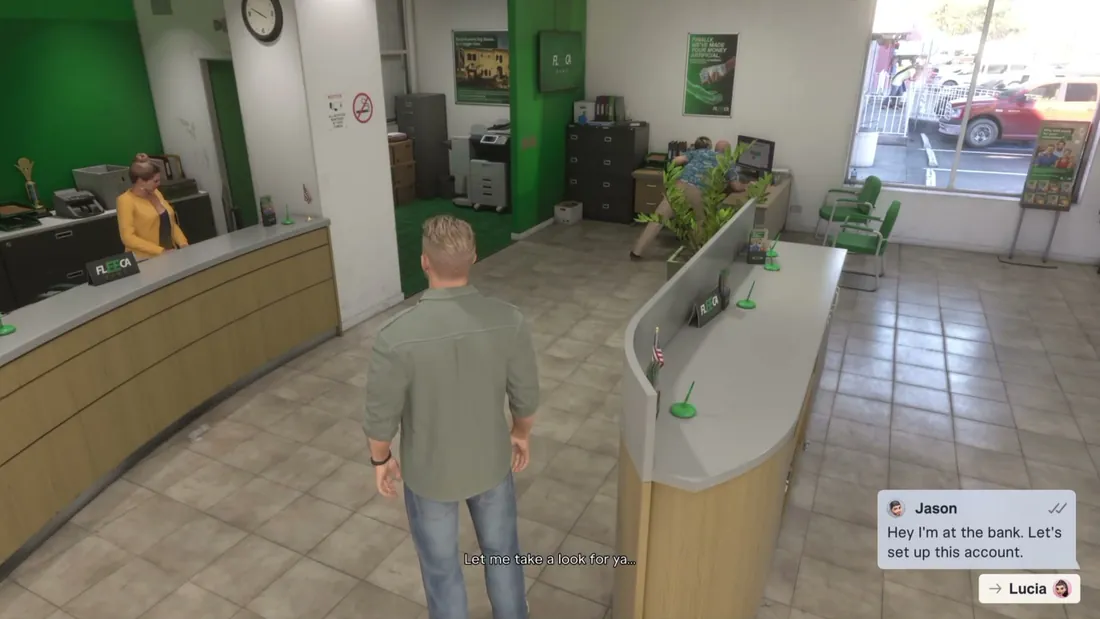
Set SETUP BANK ACCOUNT on the pause map and drive to the Fleeca. Lucia texts that she is at the bank.
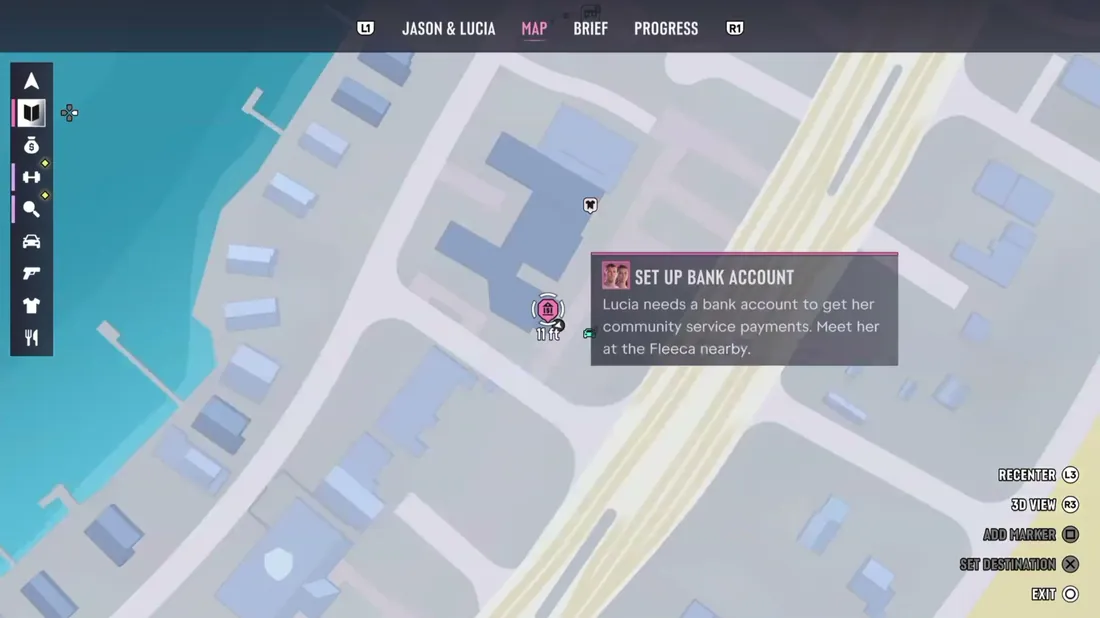
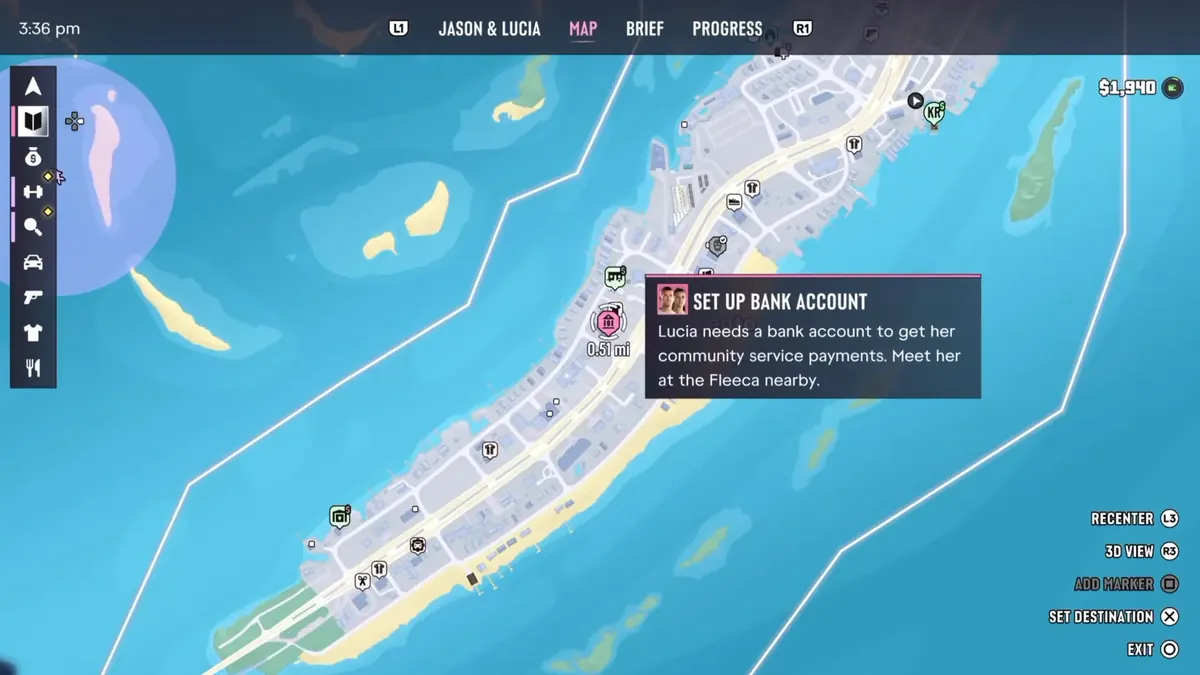
Pause map with the SETUP BANK ACCOUNT tooltip about meeting Lucia at the Fleeca.
Set SETUP BANK ACCOUNT as your destination.
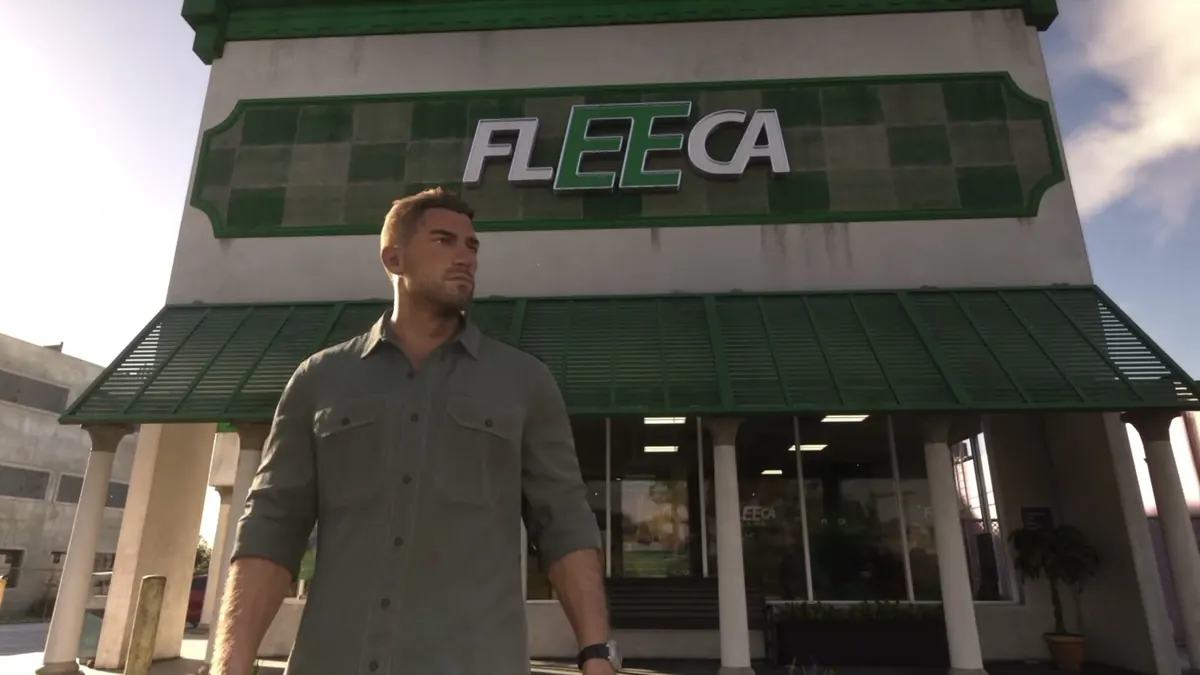
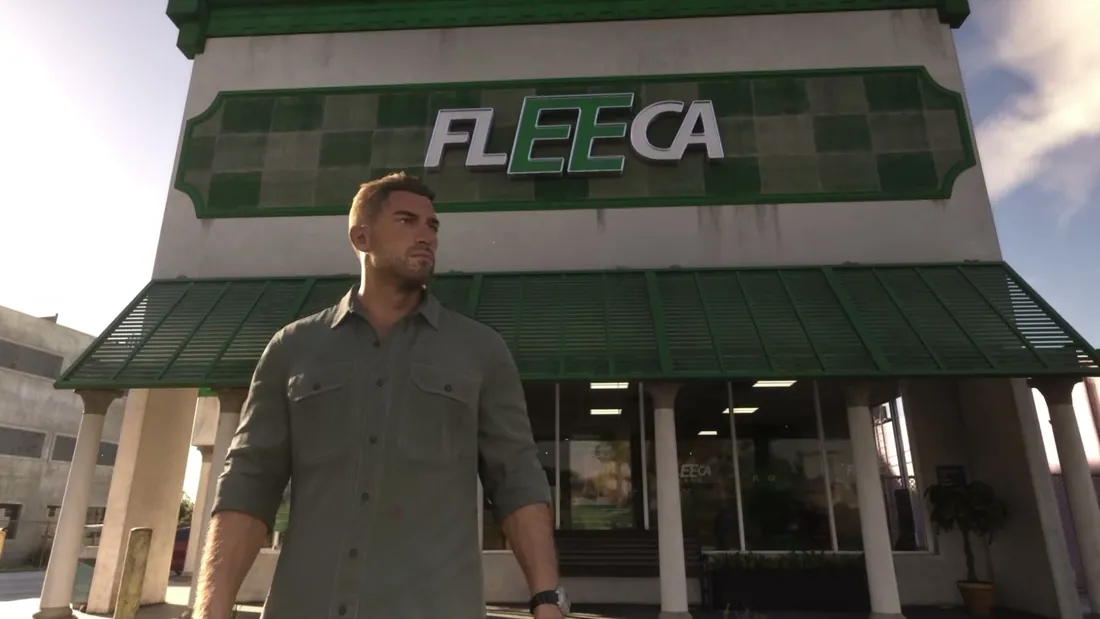
Street view of a FLEECA bank front.
Look for the FLEECA sign.
Phone text from Lucia saying she is at the bank.
Head inside when Lucia texts that she is at the bank.
2Speak to the manager

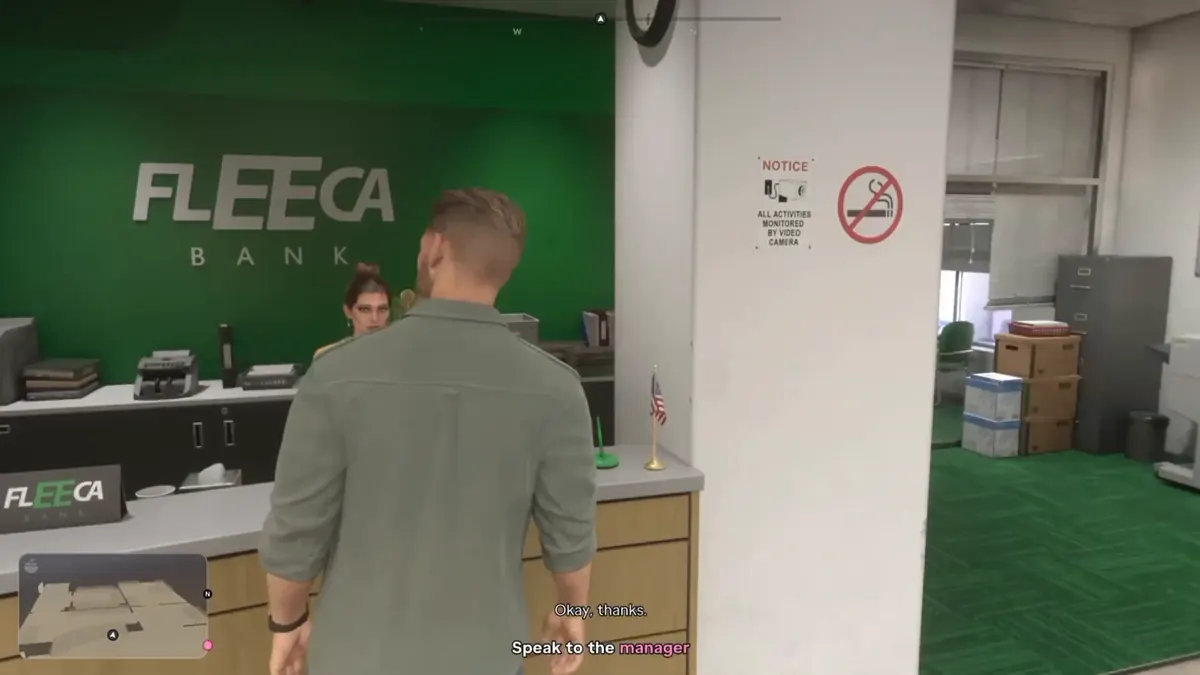
Inside the Fleeca, the objective reads Speak to the manager.
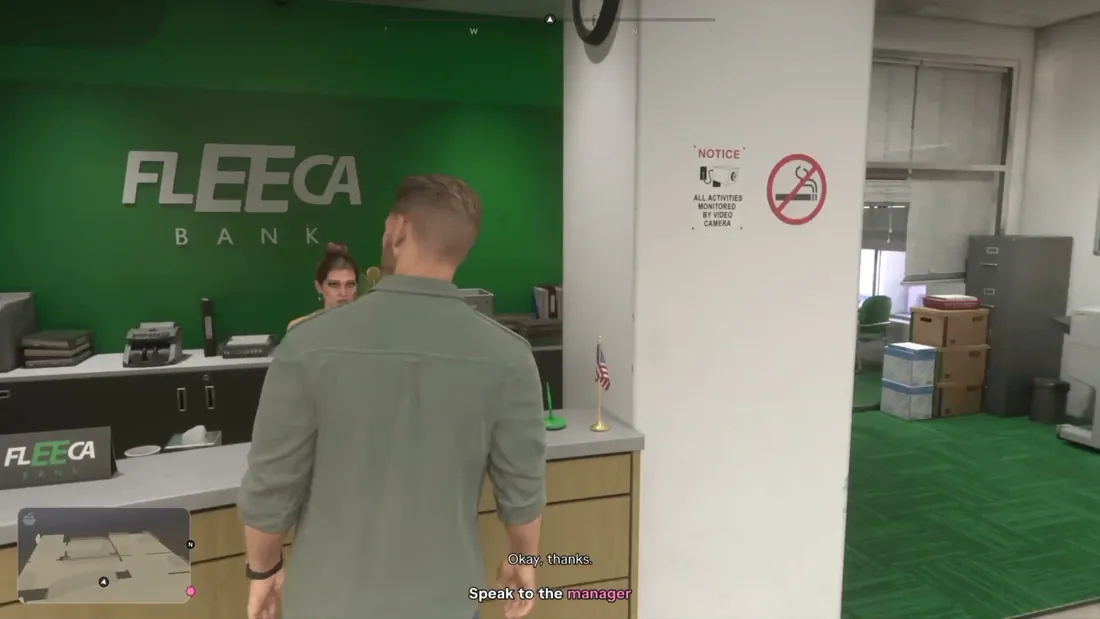
Inside the bank with the objective Speak to the manager.
Speak to the manager.
3Follow the manager

The manager asks about the bank account. The objective changes to Follow the manager.
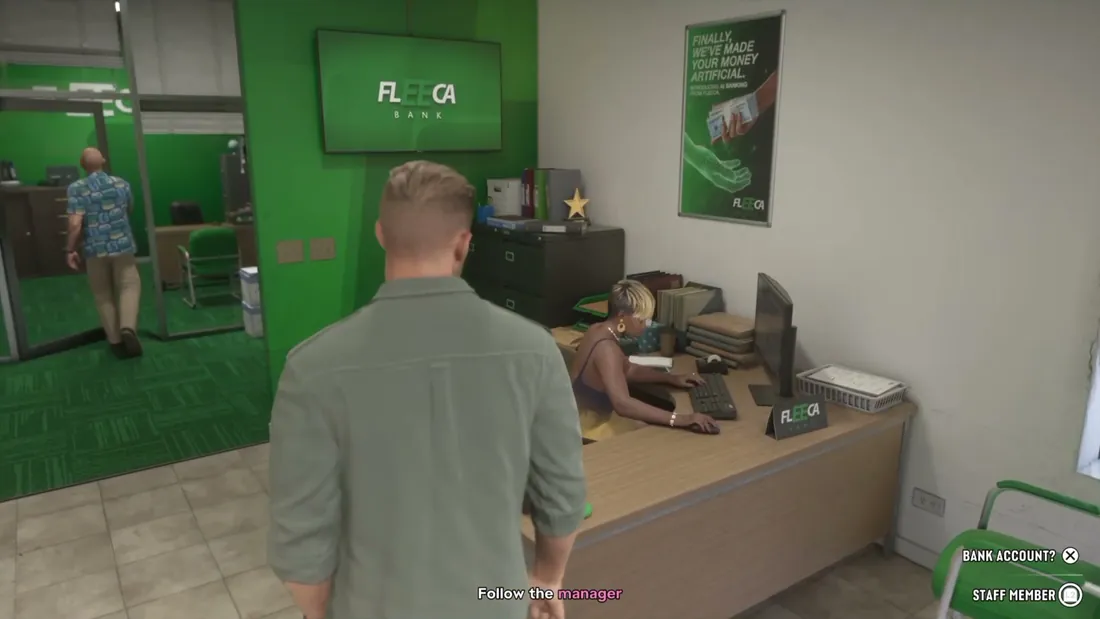
Jason and Lucia in the bank with the objective Follow the manager.
Follow the manager.
4Get the BuckMe app

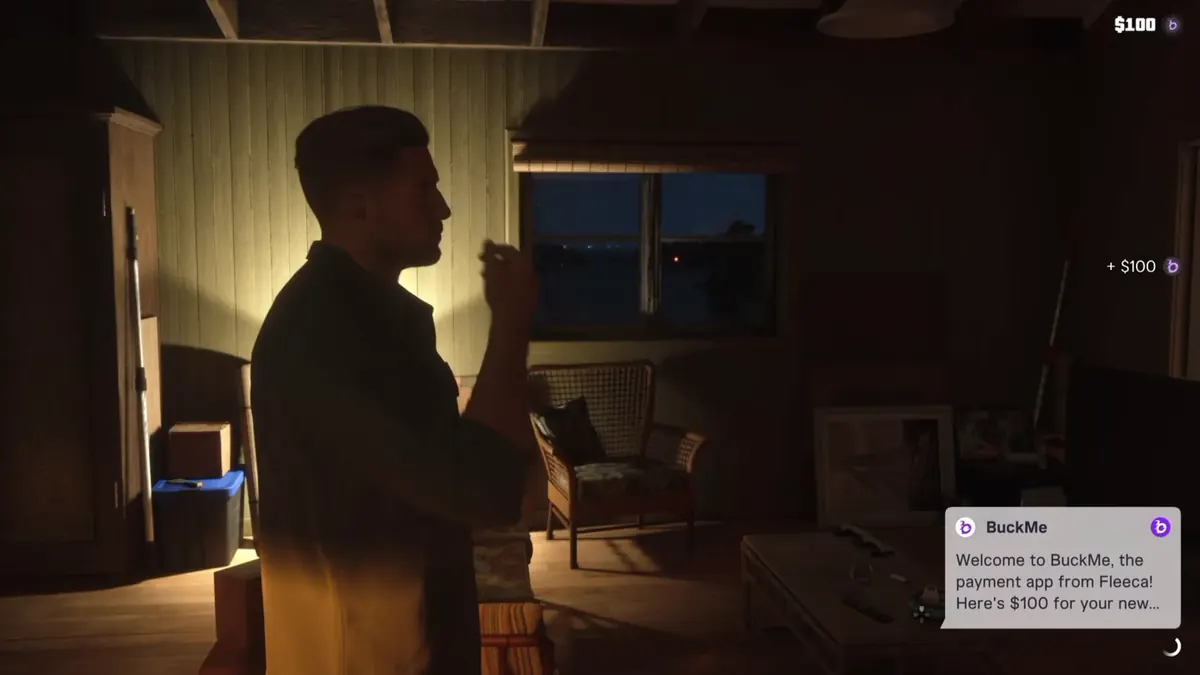
A BuckMe notice welcomes you to the payment app from Fleeca and adds $100 for your new account.
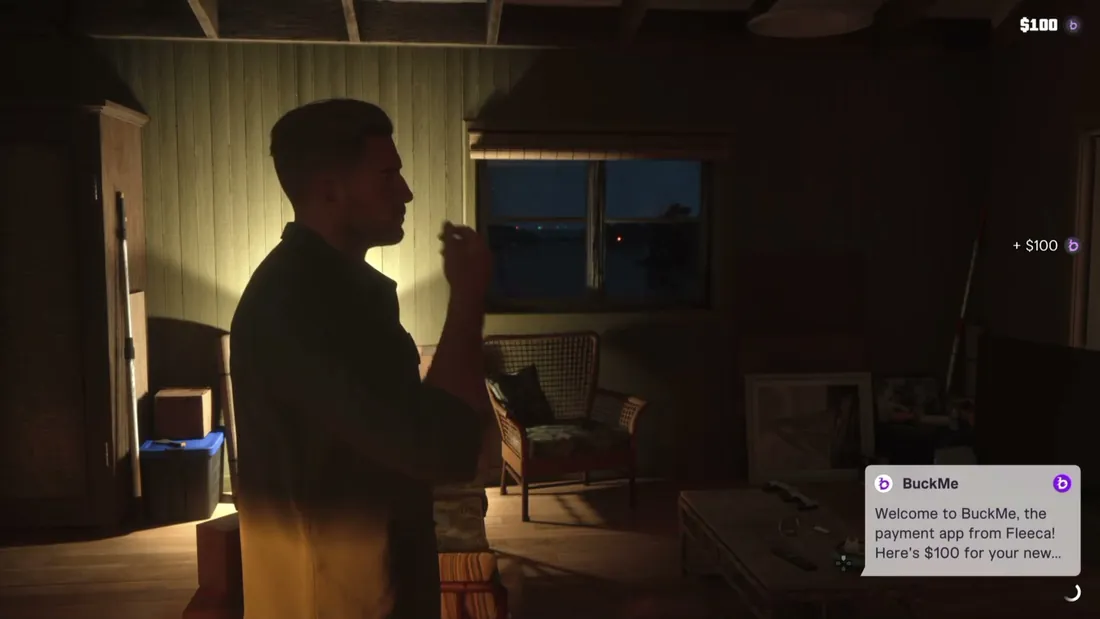
Phone with the BuckMe welcome notice and $100 for the new account.
BuckMe is now on your phone, with $100 to start.
5Move money into Family Savings

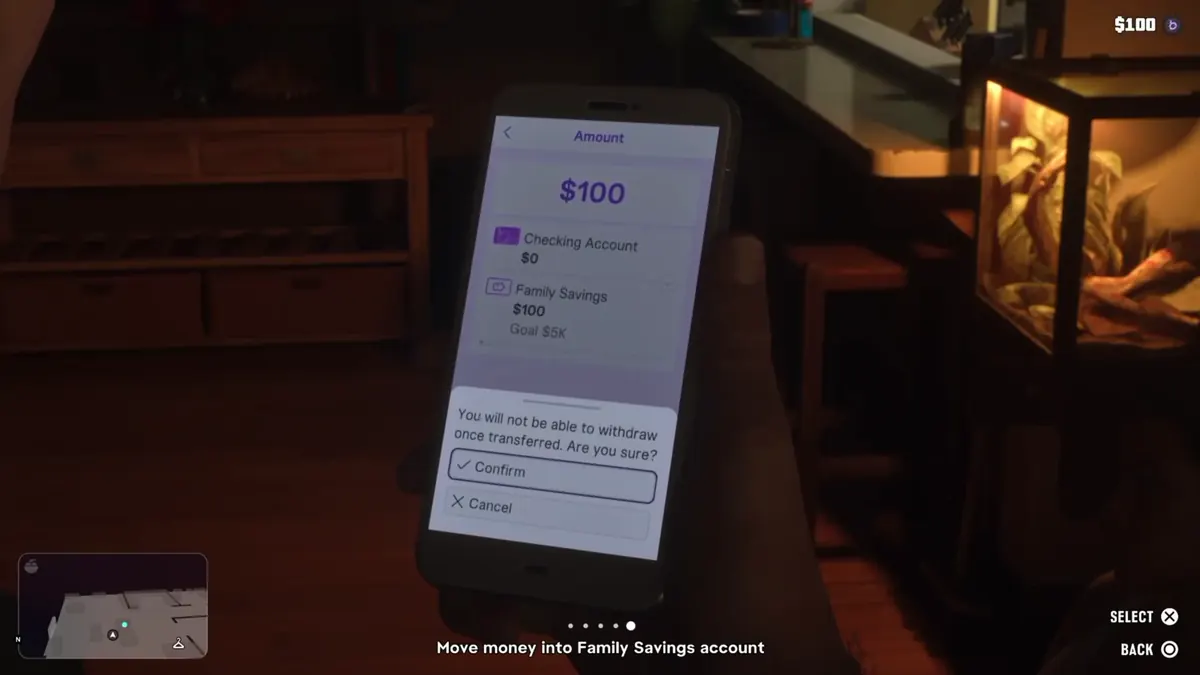
The last objective reads Move money into Family Savings account.
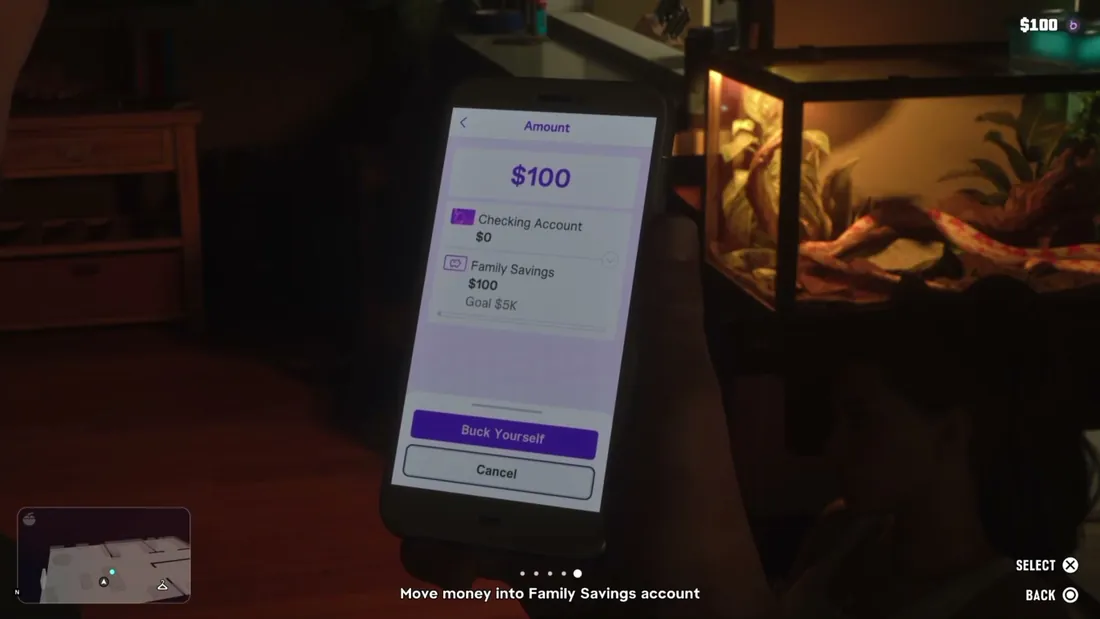
BuckMe screen with the objective Move money into Family Savings account.
Move money into the Family Savings account in BuckMe.

Screenshots

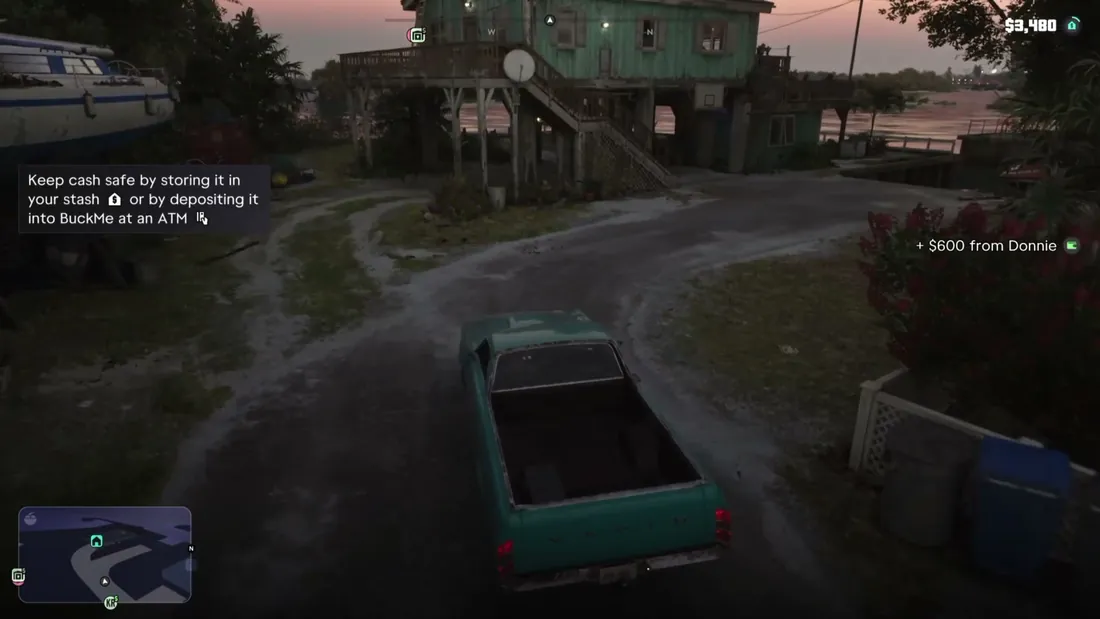
Car outside a raised house with a tip about keeping cash safe in your stash or BuckMe.
Keep cash safe: store it in your stash or deposit it into BuckMe at an ATM.
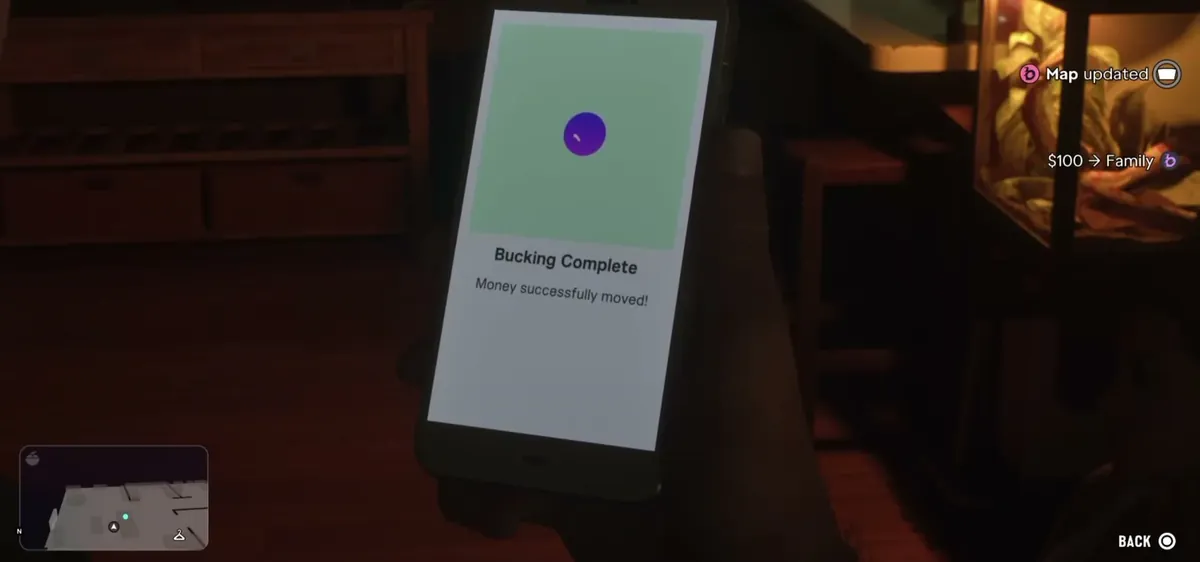
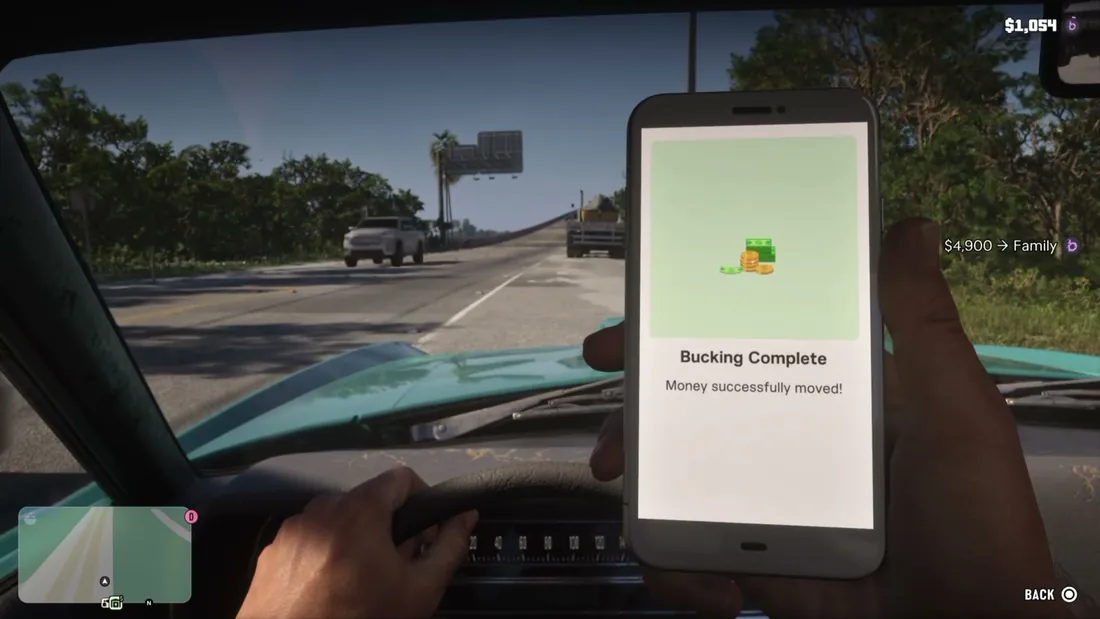
Reward toast: Bucking Complete. Money successfully moved. Map updated.
Collect the Bucking Complete reward.
Pause map of Key Lento displaying Set Up Bank Account reading Meet Lucia at the Fleeca nearby.
Open the pause map over Key Lento to locate the pink Set Up Bank Account marker at Fleeca.
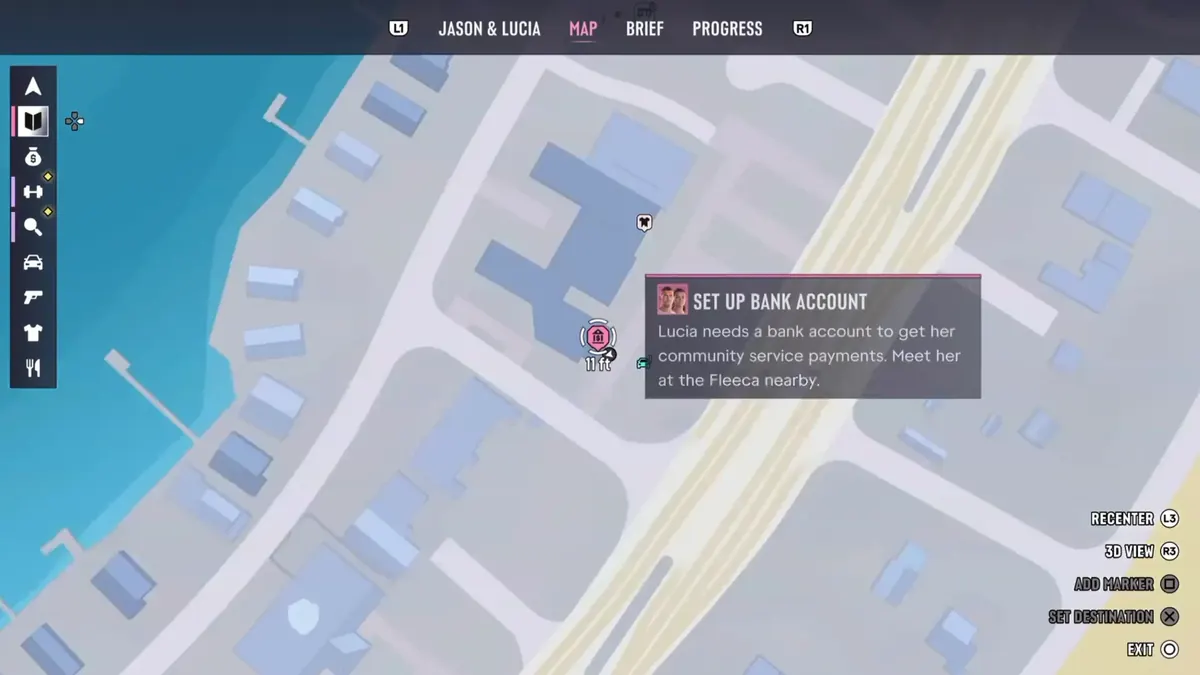
Zoomed pause map in Key Lento showing the Set Up Bank Account card beside the Fleeca building.
Open the pause map along the Key Lento road and focus on the pink bank marker to pinpoint Fleeca.
Jason joining Lucia at the Fleeca Bank lobby desk under the Speak to the manager objective.
Walk up to the Fleeca Bank counter where Lucia is waiting and speak to the manager.
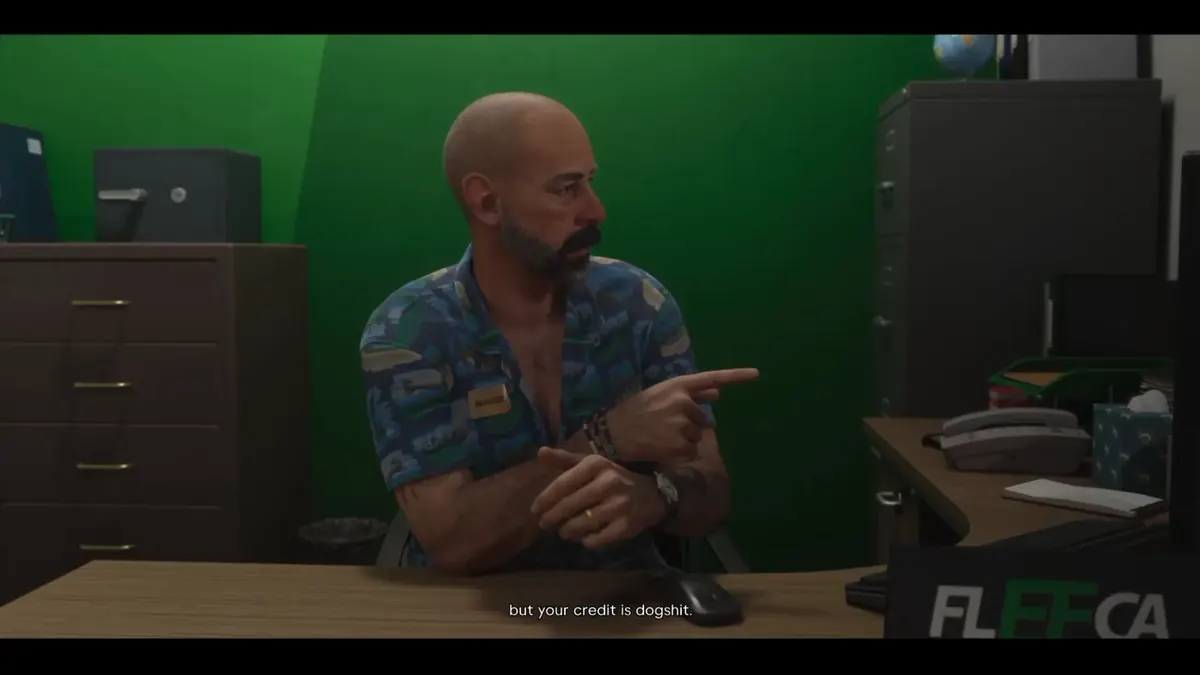
Fleeca Bank manager seated behind his desk speaking with Lucia and Jason inside the branch office.
Follow the bank manager into his back office for the account review cutscene (PLOT SPOILER).
Jason inside his house at night with the BuckMe welcome toast reading Welcome to BuckMe, the payment app from Fleeca.
Open your phone after the BuckMe welcome notification lands to access the mobile payment app.
Smartphone screen open to BuckMe showing the Confirm and Cancel modal to transfer $100 to Family Savings.
Select Confirm with X (PS5) in the BuckMe app to move $100 from Checking into Family Savings.
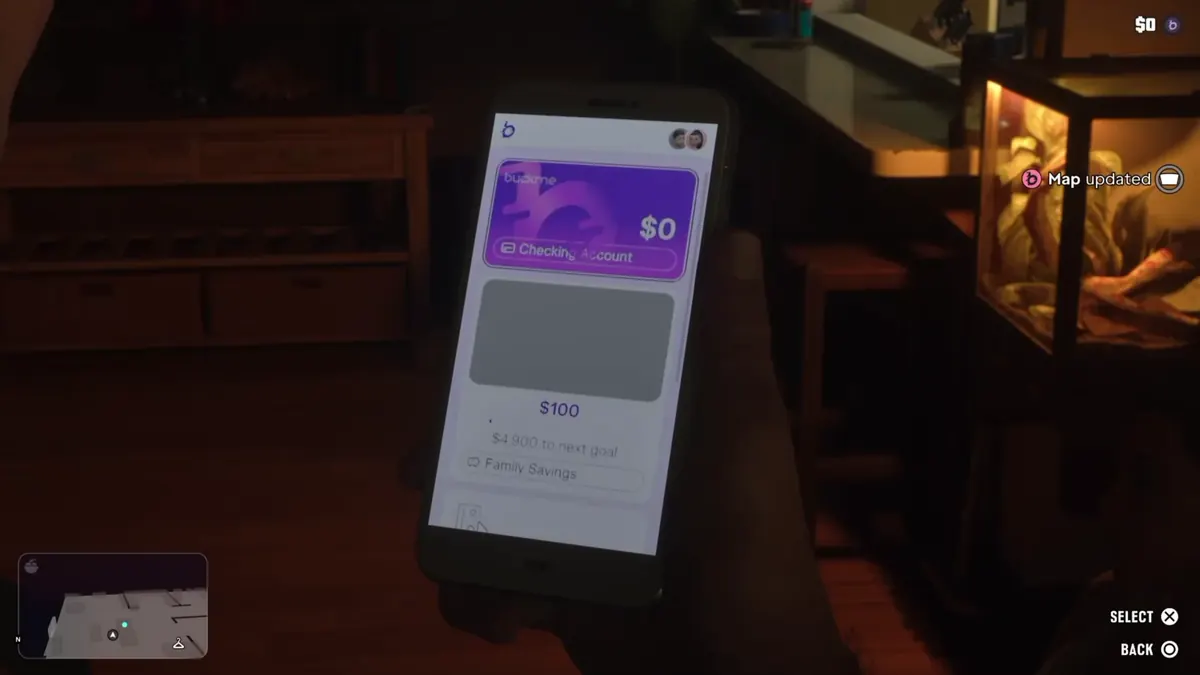
Phone screen displaying $0 Checking Account and $100 Family Savings in BuckMe alongside the Map updated alert.
Check the updated Family Savings balance on BuckMe as the Map updated alert wraps up Set Up Bank Account.

Area intel

Story Recap name
BUCK ME (Chapter 1, mission 12 of 22)
Bank
FLEECA
App
BuckMe, the payment app from Fleeca
Starting gift
$100
Family Savings goal
Goal $5K (shown later in BuckMe)
Reward
$100 welcome gift in BuckMe

Notes

Filling Family Savings later

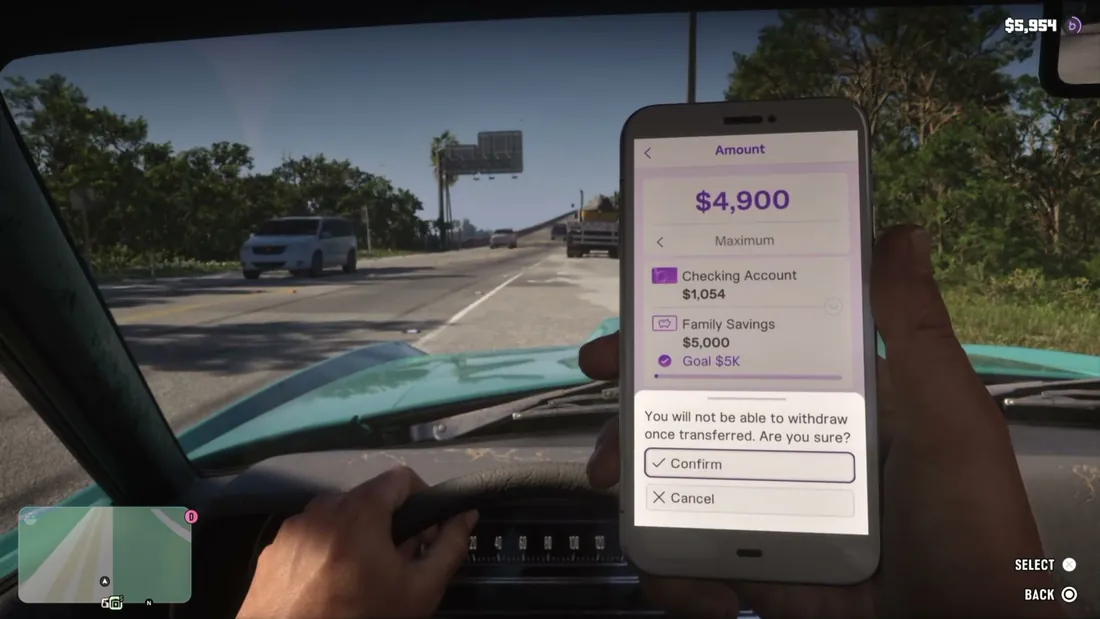
Later in our run, BuckMe showed Family Savings with $4,900 to the next goal. Moving $4,900 brought it to the $5K goal. The app warns that you will not be able to withdraw once transferred.
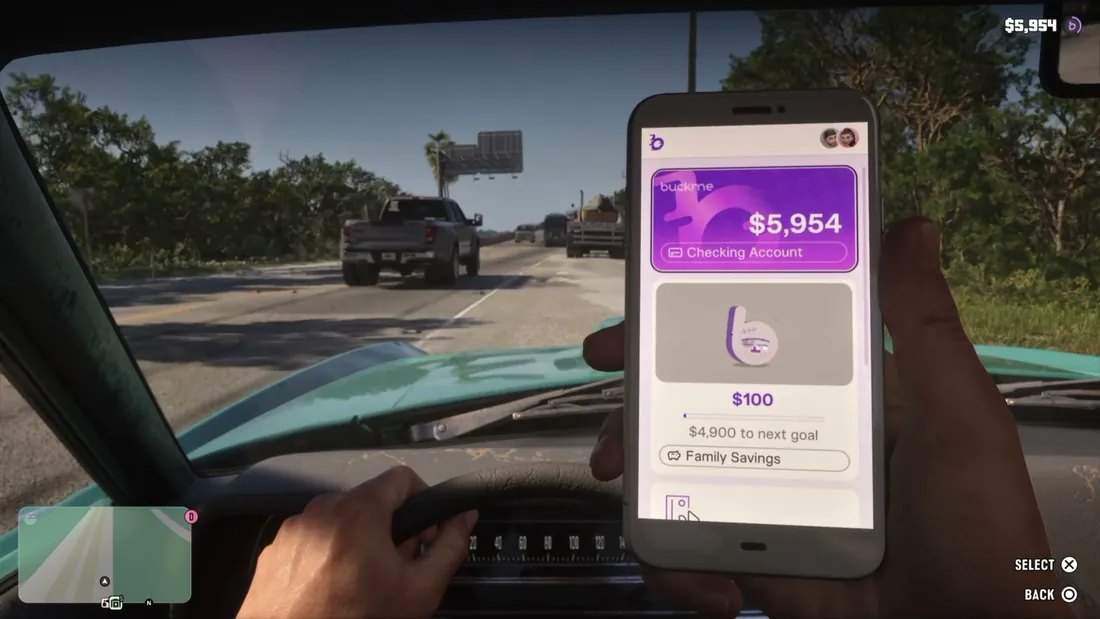
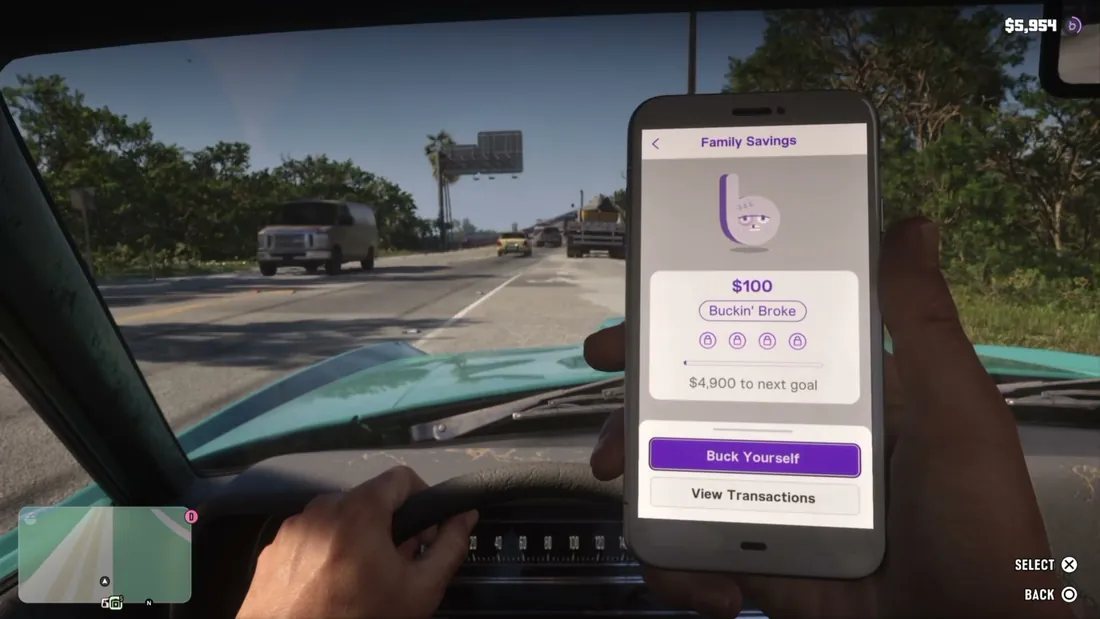
BuckMe screen with the checking account and $4,900 to the next goal.
Open BuckMe to see your checking account and how far you are from the next goal.
BuckMe Family Savings screen with $100 and $4,900 to the next goal.
Pick Family Savings to move money in.
BuckMe transfer screen for $4,900 with a warning that you cannot withdraw it.
Check the amount before you confirm: you cannot withdraw it once transferred.
BuckMe Bucking Complete screen saying the money moved.
Bucking Complete means the money moved.
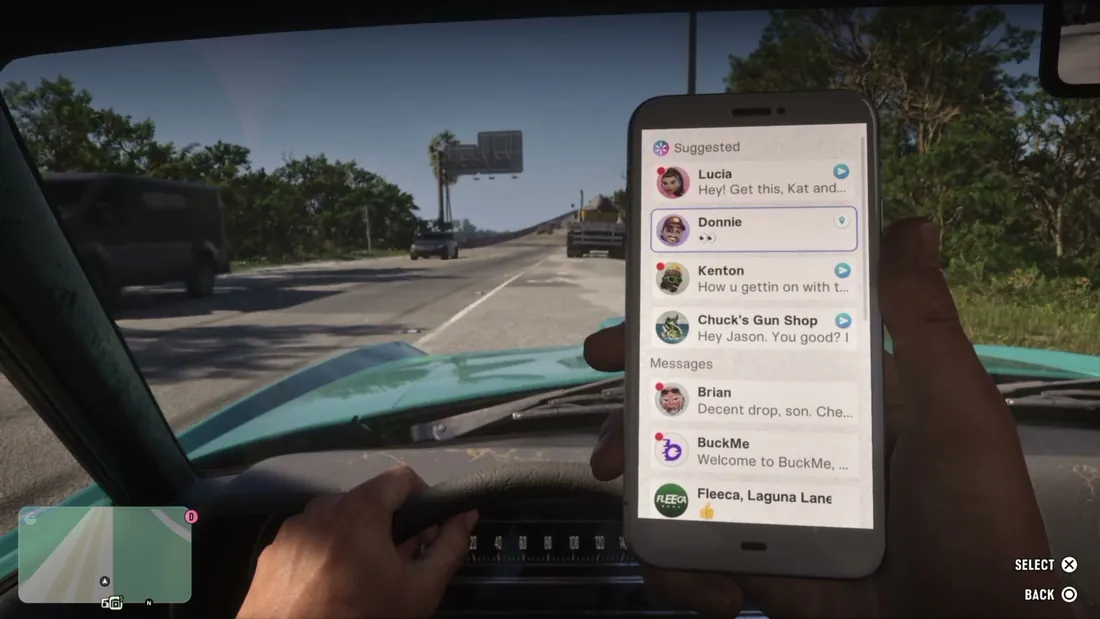
Phone messages list with a thread from Fleeca, Laguna Lane.
Fleeca messages show up in your phone inbox.

FAQ

Where do you set up the bank account in GTA VI?

At the Fleeca. Set SETUP BANK ACCOUNT on the pause map.

What is BuckMe?

The payment app from Fleeca. It starts you with $100.

Can you take money back out of Family Savings?

The app warns that you will not be able to withdraw once transferred.
Mission order

Mission 12 of 22 in Chapter 1: Just Like Paradise, in the pause-menu STORY RECAP order.

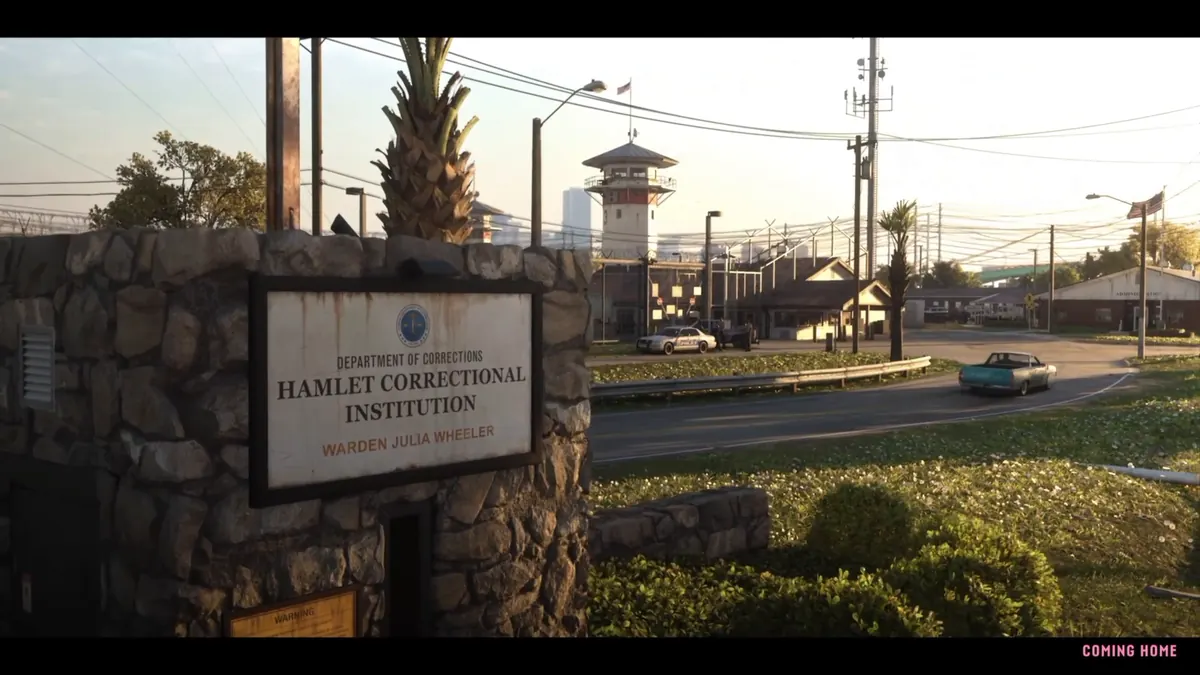
Previous mission: Coming Home

Next missionPlot spoilers: MajorTap to reveal

Every mission in this chapter: Chapter 1: Just Like Paradise overview

Every chapter: Story Missions
Related guides